Showing posts with label software. Show all posts

Monday, September 12, 2016

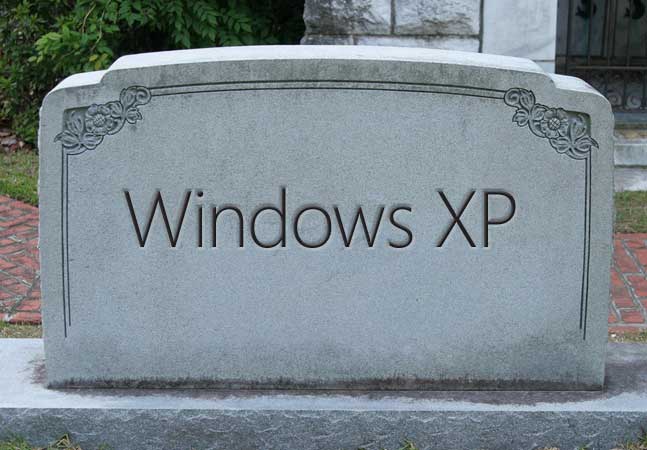
Activating Windows XP after support has ended

So, although I am a Linux-user (since CrunchBang is no longer supported, I switched to BunsenLabs), from time to time I have to do some testing on a Windows-system.

The only OS that I have a genuine installation from, is a Windows XP CD that I once found lying next to a discarded desktop. The installation still works perfectly, the product key is all there, but as well know: Windows XP is no longer supported and after 30 days, you need to activate the copy by internet or phone (which is no longer possible).

Still, there is a solution:

Friday, May 9, 2014

Van Dale script (updated)

Picture taken from Nederlands Online
As Vandale has changed their website, my original script no longer works. Hence, I made an update:

Thursday, April 21, 2011

iPad and iPhone track where you've been

by Zazzle


This CNET article reminds me of the time that it became known that Internet Explorer also tracks all the websites and search items you've ever visited or typed in, even if you would empty the 'history'.
I am still searching for that exact item, it must have been in the late nineties. Edit: found it.

Thursday, April 14, 2011

Convert subtitles: ASS to SRT

Illustration based on HotDW


Let's dive back into my big pool of inconsistency. This time, I will serve you a simple (g)awk-script which will easilys convert subtitles of the ASS-format to the SRT-format.

Thursday, February 17, 2011

Van Dale script

Picture taken from Nederlands Online
As I am back on the Linux-force, I can again freely play around with some bash scripting.

For my communication in Dutch, I regularly consult the online dictionary of Van Dale to check the spelling.

To make the search less time consuming, this could be a perfectly simple bash script. Just mix some curl, add some grep for flavour and finish with w3m. But stay away from regular expressions!

Saturday, February 12, 2011

Crunch, Bang (2) installation

Image taken from No_Gui

After trying out the CrunchBang LiveCD and finding a solution to display Japanese fonts, I have decided to switch operating system and install CrunchBang on this laptop.

I am actually typing this entry on the same laptop during the installation.

Wednesday, February 9, 2011

Crunch, Bang

Aha, I finally found the time to try out the new CrunchBang Linux 10 "Statler".

Illustration taken from Banks Networking

While I have been active on an ICT education project in Ghana, many times we had to survive with "ancient hardware", literally computers that were holding their last breath. Thanks to CrunchBang's low usage of resources, I was able to perform miracles and could transform older material in Internet ready computers.

Related Posts Plugin for WordPress, Blogger...